
01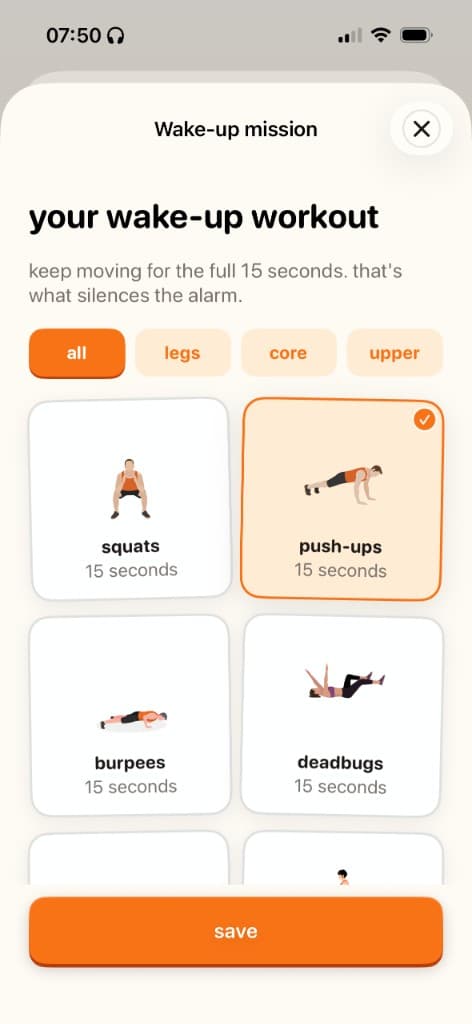
Set your wake-up mission
Pick your alarm time and the exercise that turns it off: squats, push-ups, burpees, or deadbugs.

 Built for people who snooze too much
Awakefit locks snooze behind a quick wake-up workout. Do your reps (squats, push-ups, burpees) while your camera checks your form on-device, and the alarm goes quiet. Build a streak, not a snooze habit.
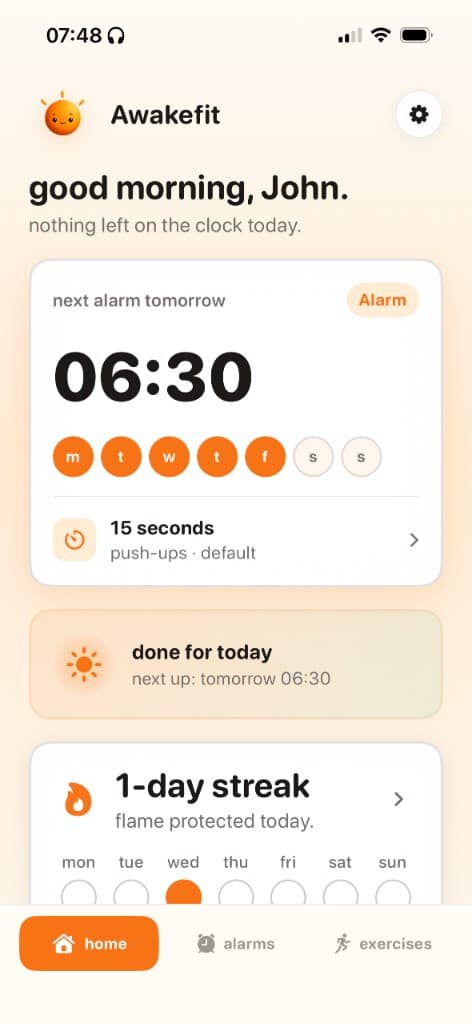
Set up in minutes. Wake up tomorrow without another snooze.
Pick your alarm time and the exercise that turns it off: squats, push-ups, burpees, or deadbugs.
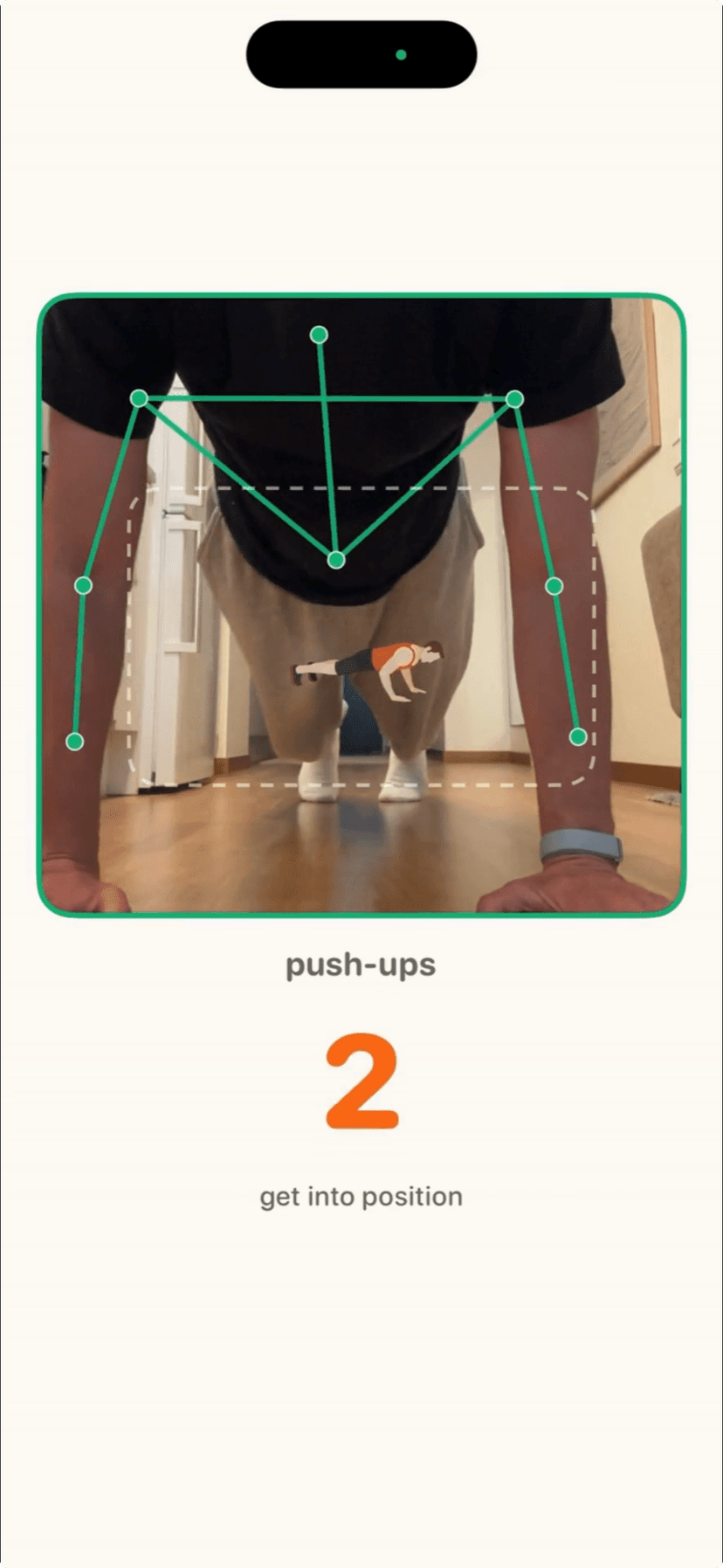
Do your reps in front of the camera. Awakefit checks your form on-device. Nothing is uploaded.
Finish the set, the alarm goes quiet, blocked apps unlock, and your streak keeps growing.
Choose what stays locked until you're up. We never see app names.
Squats, push-ups, burpees, deadbugs: short sets that shake off sleep.
Protect your flame. Earn badges for every morning you show up.
Your camera counts reps locally. Nothing is recorded or uploaded.
Watch a real wake-up mission: pick an exercise, move until you're done, streak keeps going.
Download on iPhone and set tomorrow's wake-up mission tonight.